If you have an AeroLens Pro Stream Deck Profile, you can now add a dedicated profile-switcher button to an existing aircraft profile by downloading our free AeroLens Pro Button Pack, which includes 18 images in 3 different styles.

Launch the Stream Deck software and load the AeroLens Pro Button Pack Profile.
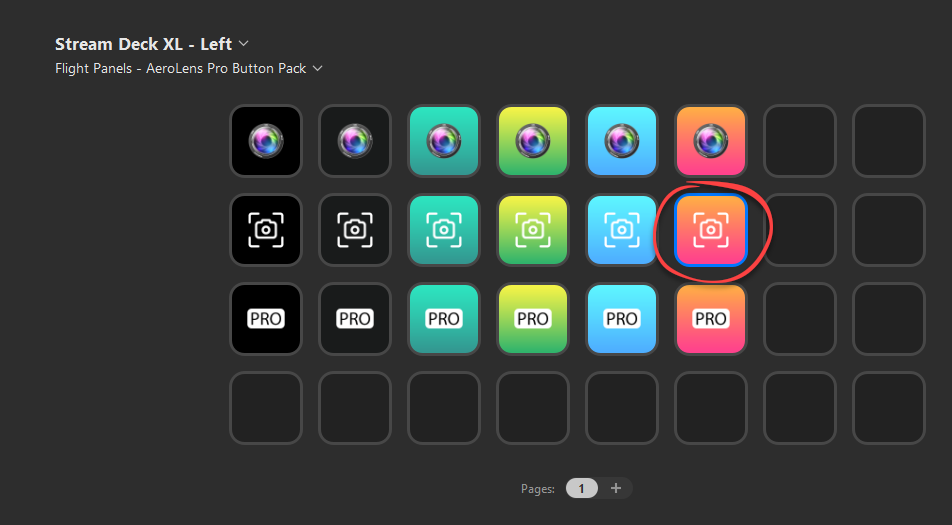
Click on the button that you would like to use and then press CTRL+C to copy.
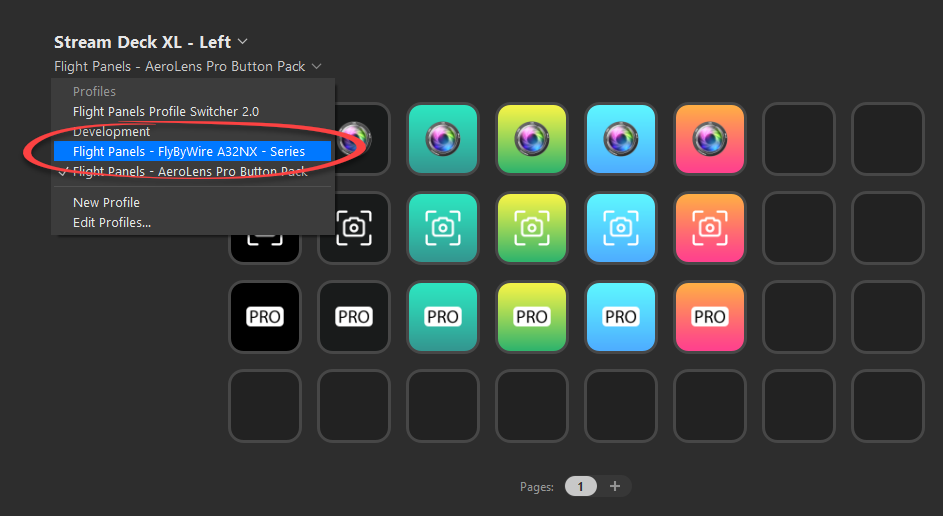
Select the profile that you would like to add the button to, from the profile drop down list within your Stream Deck Application. In this example, we're selecting the 'Flight Panels - FlyByWire A32NX - Series' Stream Deck Profile.
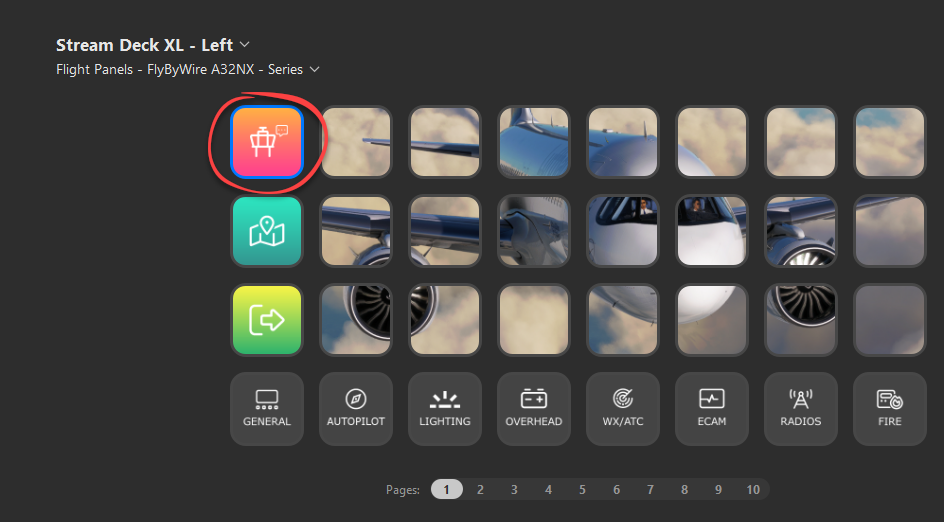
The new button will appear. Click on it to open the button inspector window.

Within the button inspector window, select the profile that you want to load from the Profile drop down. In the above example, pressing the new AeroLens Button would load the FlyByWire Airbus A32NX AeroLens Profile on the current device. If you have multiple devices, simply select the appropriate device from the drop down.
Was this article helpful?
That’s Great!
Thank you for your feedback
Sorry! We couldn't be helpful
Thank you for your feedback
Feedback sent
We appreciate your effort and will try to fix the article