Flight Panels Application
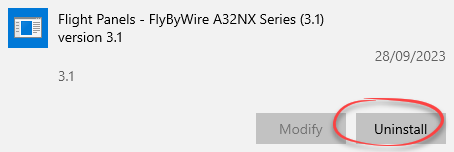
- Select the Windows Start button and type 'Remove'
- Select Add or remove programs from the list of results
- Select the application that you wish to remove from the list
- Click 'Uninstall'
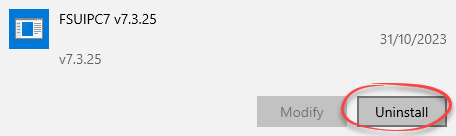
FSUIPC7
- Select the Windows Start button and type 'Remove'
- Select Add or remove programs from the list of results
- Locate FSUIPC7 from the list
- Click 'Uninstall'
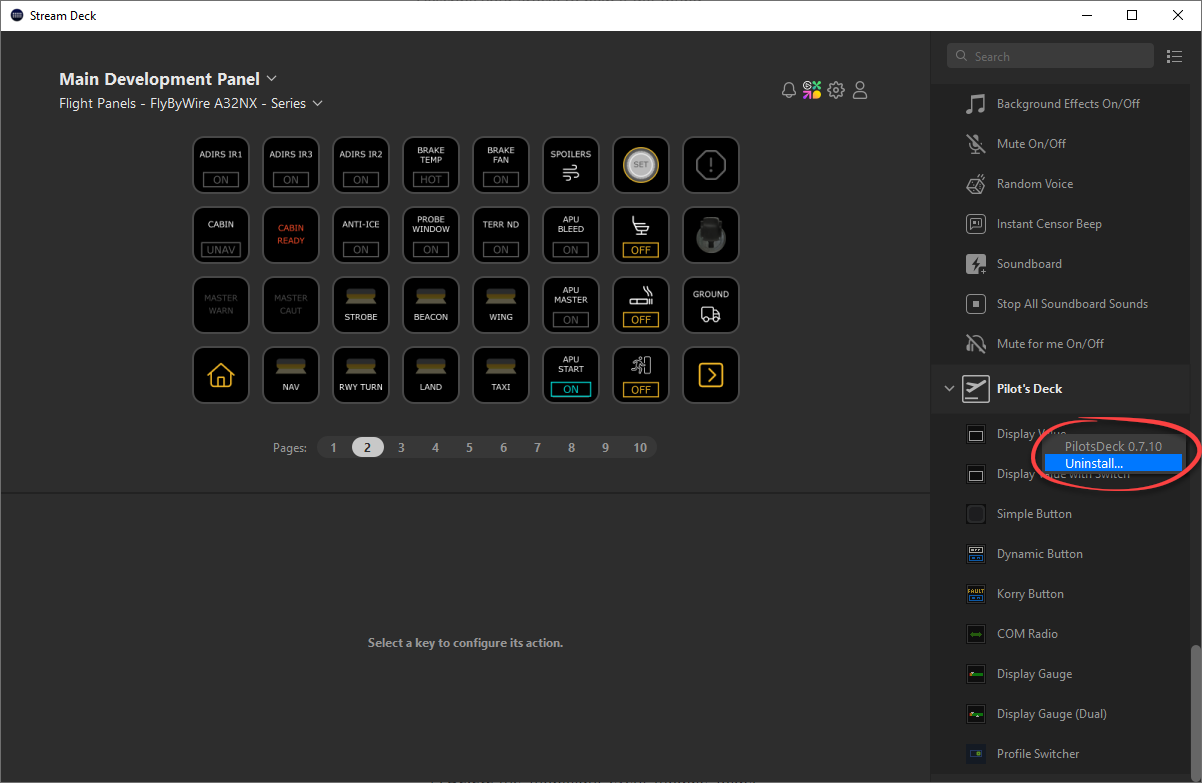
PilotsDeck Plugin
- Open your Stream Deck Application
- On the right hand navigation bar, scroll down until you locate Pilots Deck
- Right click on one of the actions (such as 'Display Value') and select 'Uninstall'
- If a confirmation popup appears, select 'Uninstall' to continue
- Reboot your computer
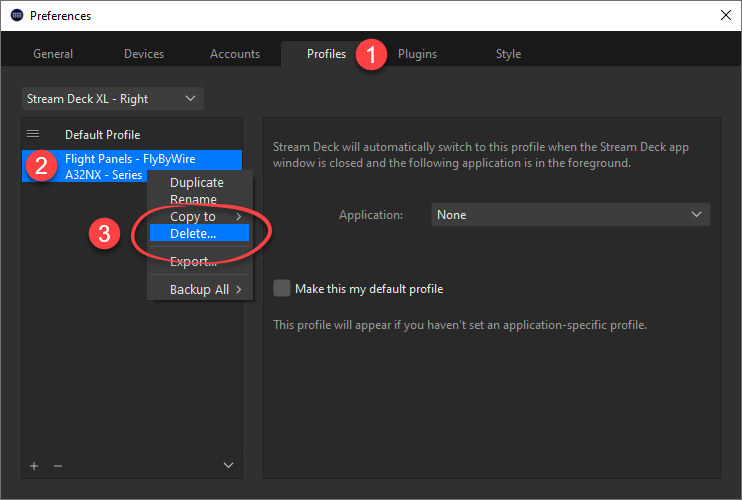
Stream Deck Profiles
- Open your Stream Deck Application and navigate to Settings
- Select the Profiles tab at the top of the settings window
- Select your Stream Deck device from the drop down list
- Locate and select the profile that you wish to remove from the list
- Right click on the profile name and select Delete
MobiFlight WASM Module
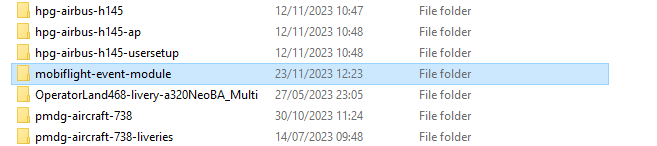
- Browse to your Microsoft Flight Simulator Community Folder
- Delete the 'mobiflight-event-module' folder
Was this article helpful?
That’s Great!
Thank you for your feedback
Sorry! We couldn't be helpful
Thank you for your feedback
Feedback sent
We appreciate your effort and will try to fix the article