If you have multiple Stream Deck devices, the profile may have been installed on the wrong device. Prior to manually importing a profile, select the device you wish to use from within the Stream Deck application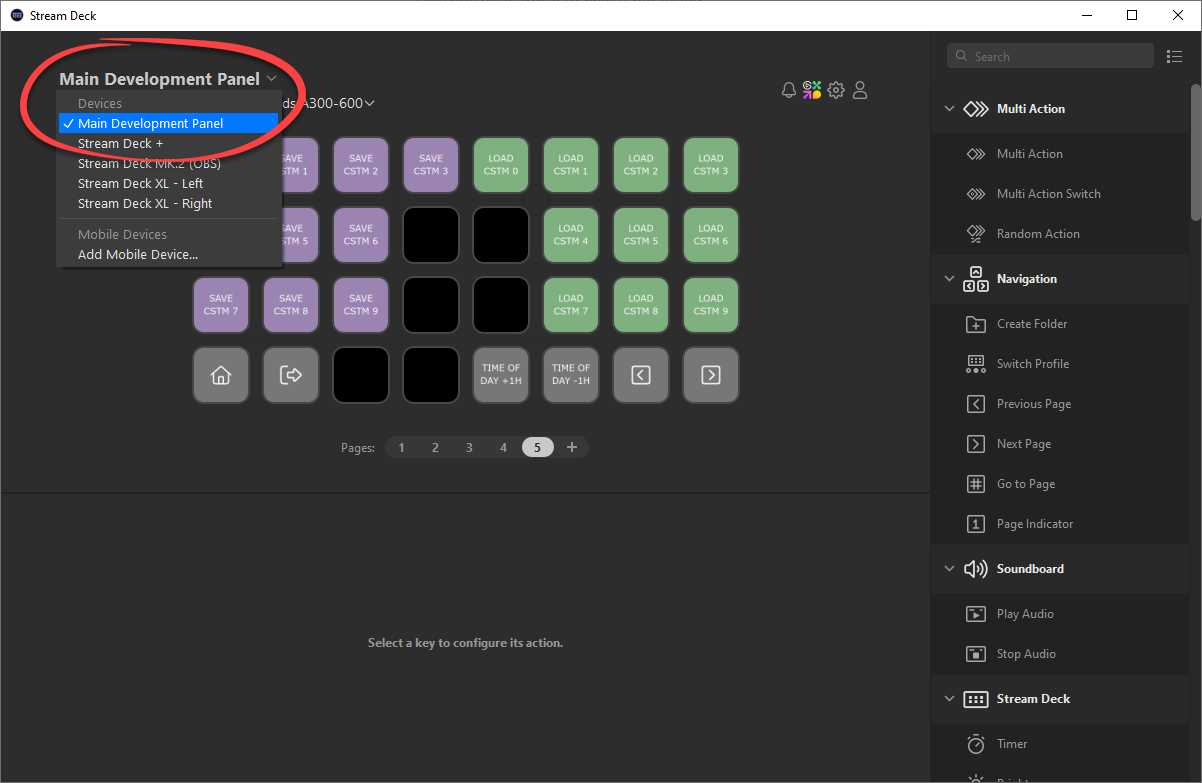
Manual Import Steps
Navigate to the products installation folder, which by default is located under C:\Program Files (x86)\. As an example, our FlyByWire A32NX Series would be installed at C:\Program Files (x86)\Flight Panels - FlyByWire A32NX Series.
Locate the .streamDeckProfile file and double click on it to import.
Was this article helpful?
That’s Great!
Thank you for your feedback
Sorry! We couldn't be helpful
Thank you for your feedback
Feedback sent
We appreciate your effort and will try to fix the article